
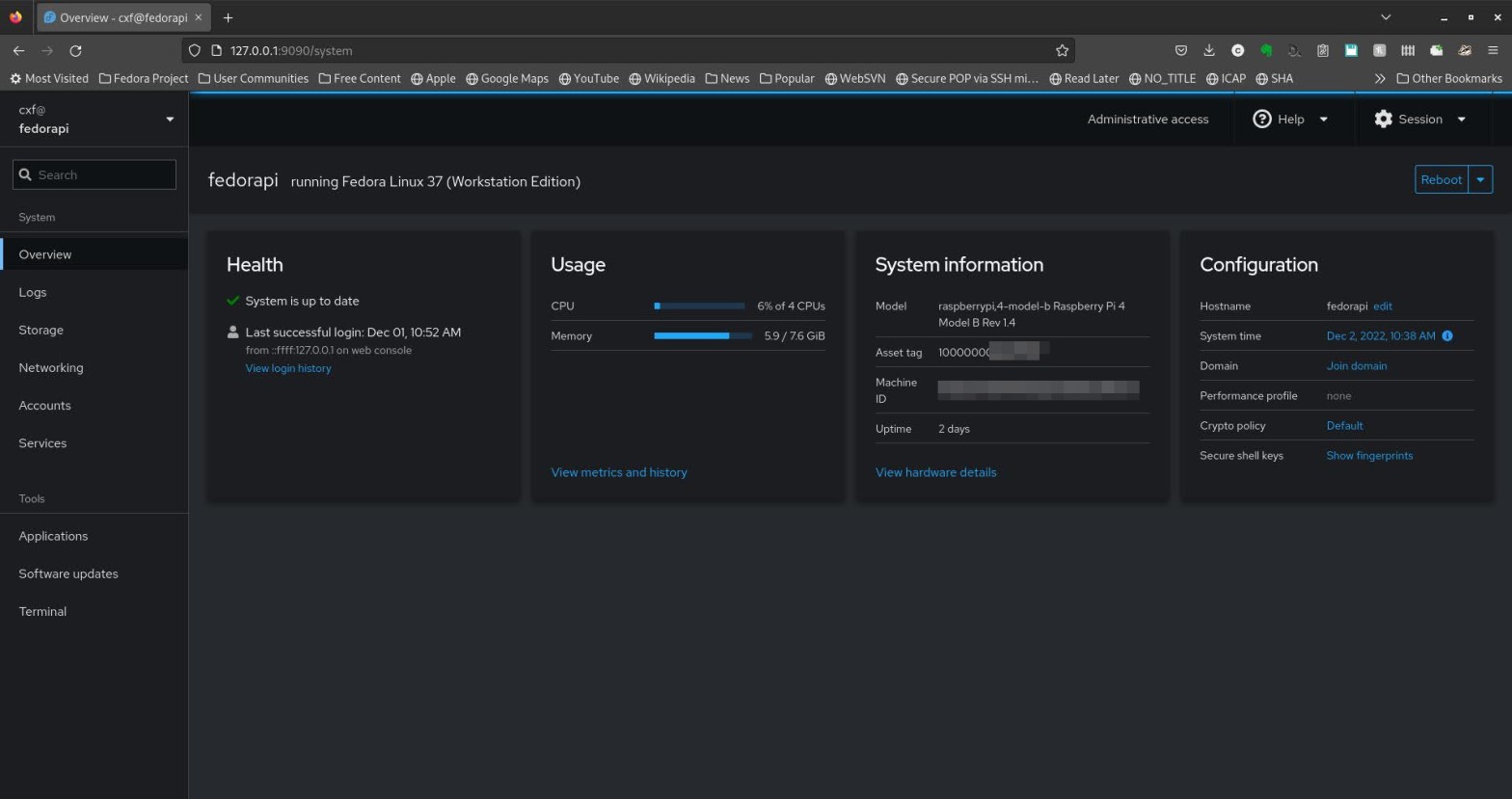
Update Dec 2024:
f39 to f40 upgrade – was simply a case of:sudo dnf system-upgrade download --releasever=40
sudo dnf system-upgrade reboot
But… f40 to f41 upgrade – fails due to unmet dependencies around python3-typer+all-0.11.1-4.fc40.noarch:
This appears to be a component of the (python-based) system monitoring app “glances”…sudo dnf remove python3-typer+all
removes the offending package (and “glances” as a dependency) which then allows sudo dnf system-upgrade download --releasever=41
sudo dnf system-upgrade reboot
to complete… Glances can simply be reinstalled after the upgrade from within f41 👍🏼
Update Feb 2024:
Still no simple upgrade path to f39… 😦
(workarounds involve swapping out chrony for systemd-timesyncd or using some mechanism like ‘fake-hwclock’ – libdnf used to check package signatures with GnuPG, now it uses Sequoia. The former handled discrepancies as a warning, the latter handles them as an error – hence the upgrade fails. All because the RPi has no hardware RTC and system upgrade is done offline with no access to network-time/NTP.)
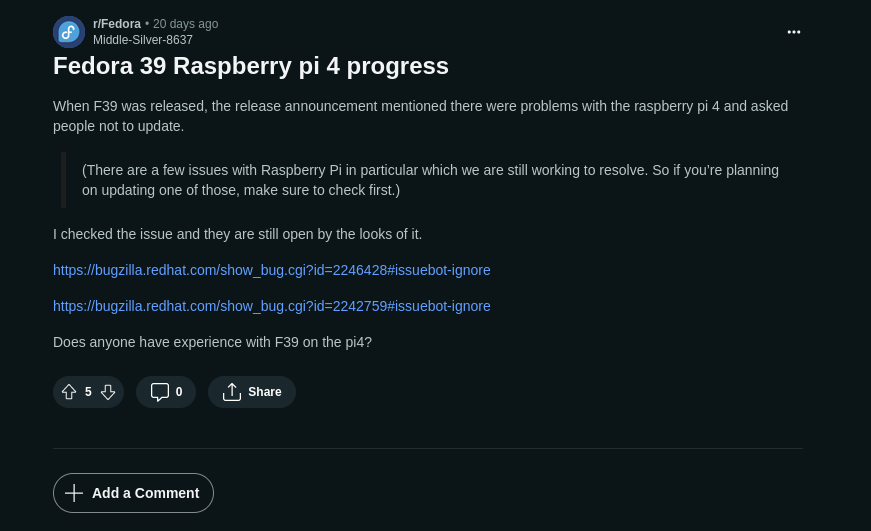
Two of my favourite things coincided today – Fedora Linux & Raspberry Pi!

I first started “messing around” with Linux back in 200x – early Red Hat 6.0~6.2 on x86 laptops. How painful that was. But the Red Hat thing stuck – Fedora has been my daily driver for many many years now, although whilst distro-hopping I’ve dallied with Ubuntu (and Suse, Gentoo, Crunchbang and Arch!) and obviously spent a lot of time with another Debian flavour thanks to the Raspberry Pi OS, previously known as Raspbian.
I got hold of a Raspberry Pi as soon as I could after it was launched in 2012 and have used many in personal and work-related projects over the 10 years since.
Imagine my delight when it was announced that Fedora 37 would officially support the Raspberry Pi4. Sure there had been all sorts of un-official ports over the years and some semi-official Fedora support for models up to 3B+ but I was keen to try the “official” spin and get Fedora running on a Pi4 8GB.
To install the image to an SD card I used the arm-image-installer prog from another Fedora machine after downloading the raw disk image Fedora-Workstation-37-1.7.aarch64.raw.xz and following the guide here.
WiFi (in fact all networking), Bluetooth and audio all work straight-out-of-the-box 🙂
A few 64bit ARM apps are missing – No google-chrome (yay for Firefox!) on aarch64 and no spotify-client (yet, and of course the web client doesn’t support playing “protected content” in FireFox or the Fedora version of chromium – why is there still no widevine support in ARM64 ???) 😞 Seems like multiarch support for aarch64 Fedora isn’t there yet either so even more 😞 😞 😞


At least there’s ncspot 😉

rpmfusion is your friend for all sorts of goodies like vlc
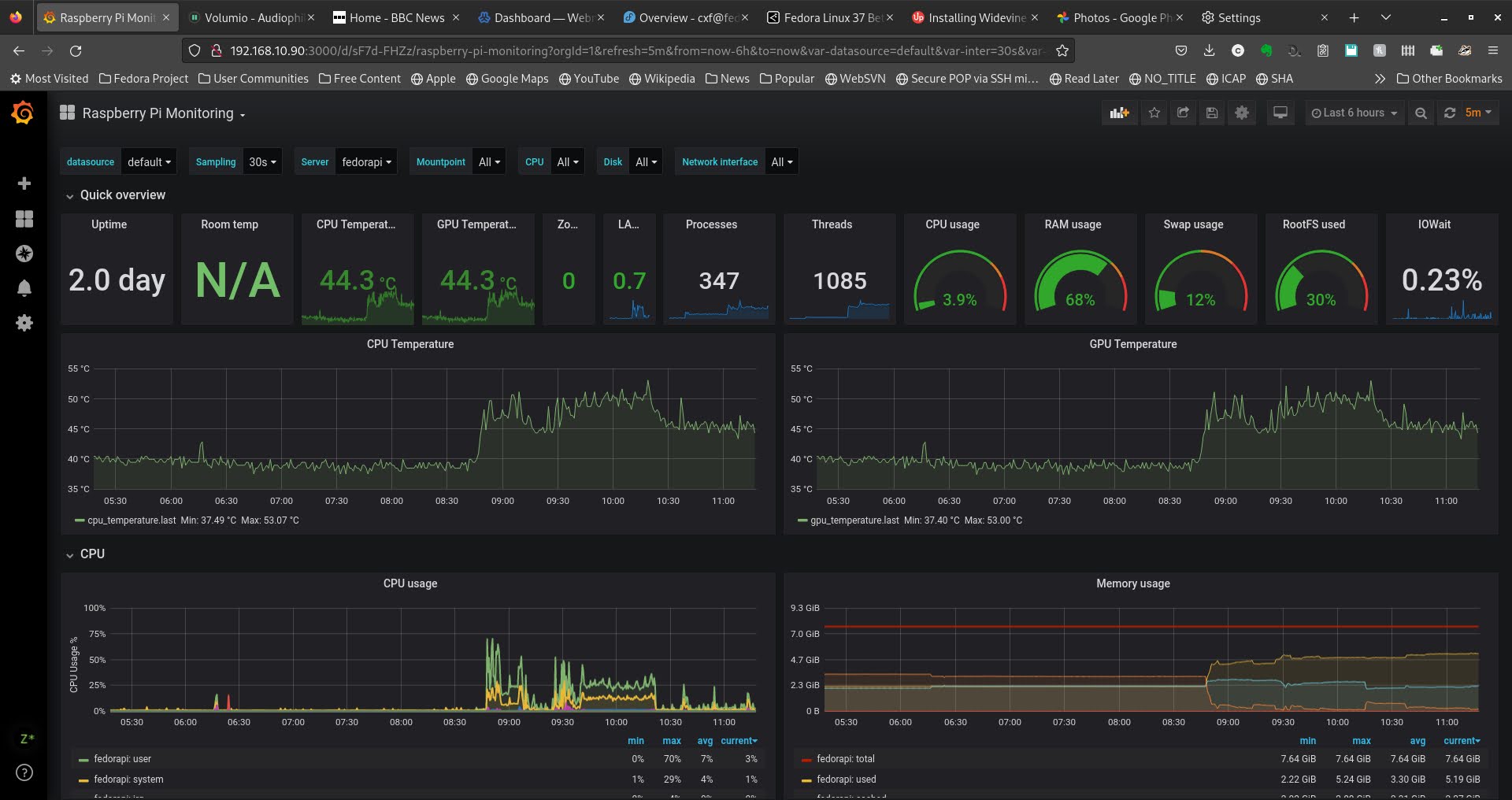
I did also manage to get telegraf running on Fedora ARM64:
From https://github.com/influxdata/telegraf/releases I chose the CENTOS aarch64 package and followed the instructions at https://leo3418.github.io/2020/07/27/compile-vcgencmd-on-fedora.html to get GPU temp logging working via the vcgencmd method.
I also found some useful info on getting the Raspberry Pi’s GPIO working in Fedora here.
Overall Fedora 37 on the 8GB Pi4 feels snappy and fairly well polished, although some tiny things are still not quite there – the “About” pane from the Gnome settings page is missing Processor and Disk Capacity info ??? (neofetch is missing CPU type too, curiously it’s missing when running neofetch on Raspberry Pi OS aarch64, or even just a 64bit kernel on 32bit OS. 32-bit kernels report the “BCM2835” Broadcom part number 🤔 )

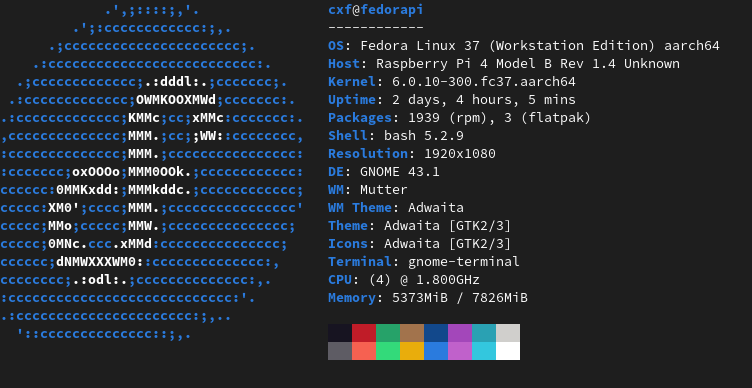

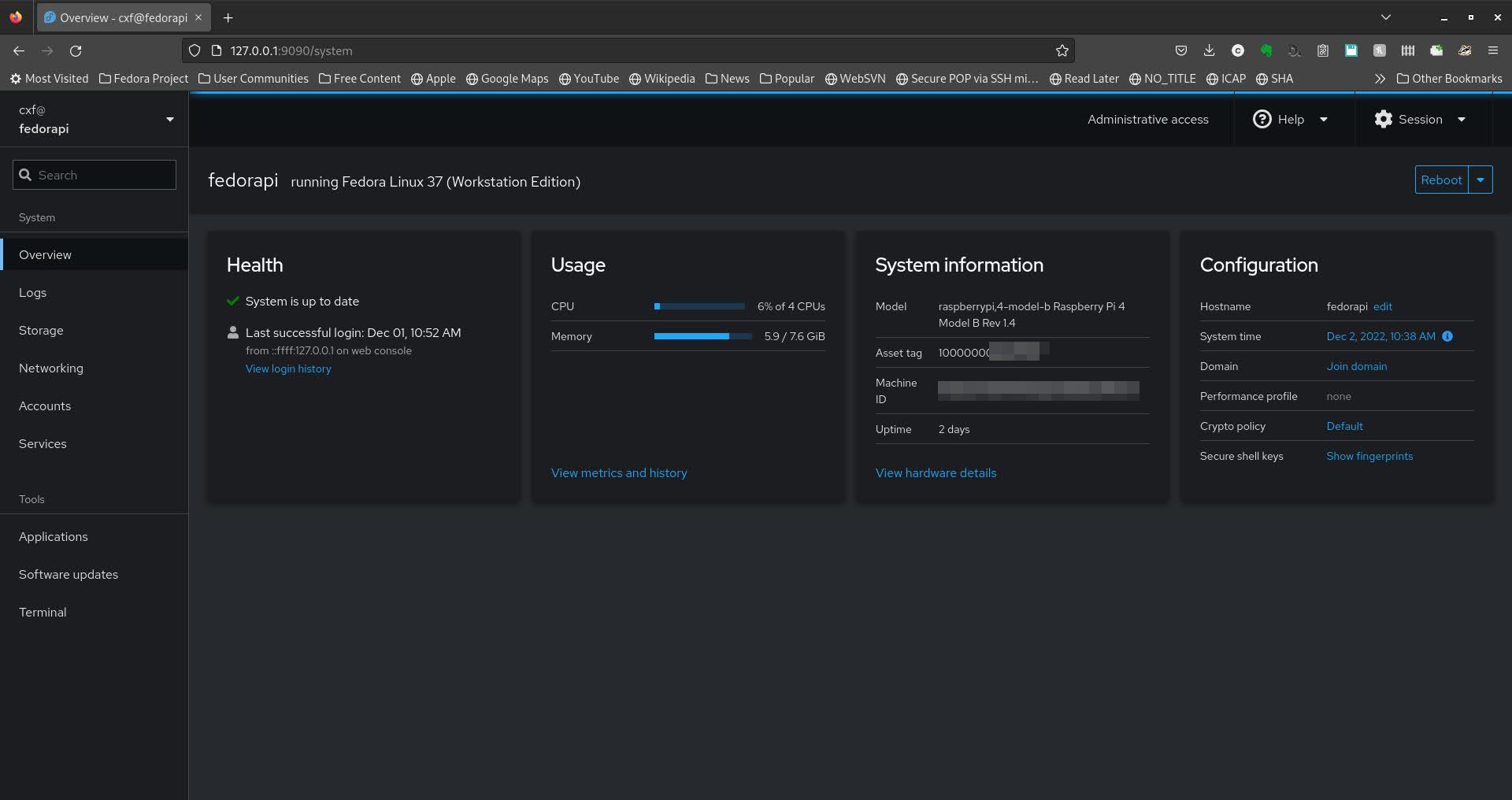
UPDATE: Jun 2023 – Pi 4B now updated to Fedora 38. The GUI (gnome-software) repeatedly failed to download the new F38 image for some reason so I had to resort to a bit of command-line magic:
dnf install dnf-plugin-system-upgrade --best
(This plugin was already present on my system, but lots of the CLI Fedora update guides I found include installing it…)
dnf system-upgrade download --refresh --releasever=38
dnf system-upgrade reboot


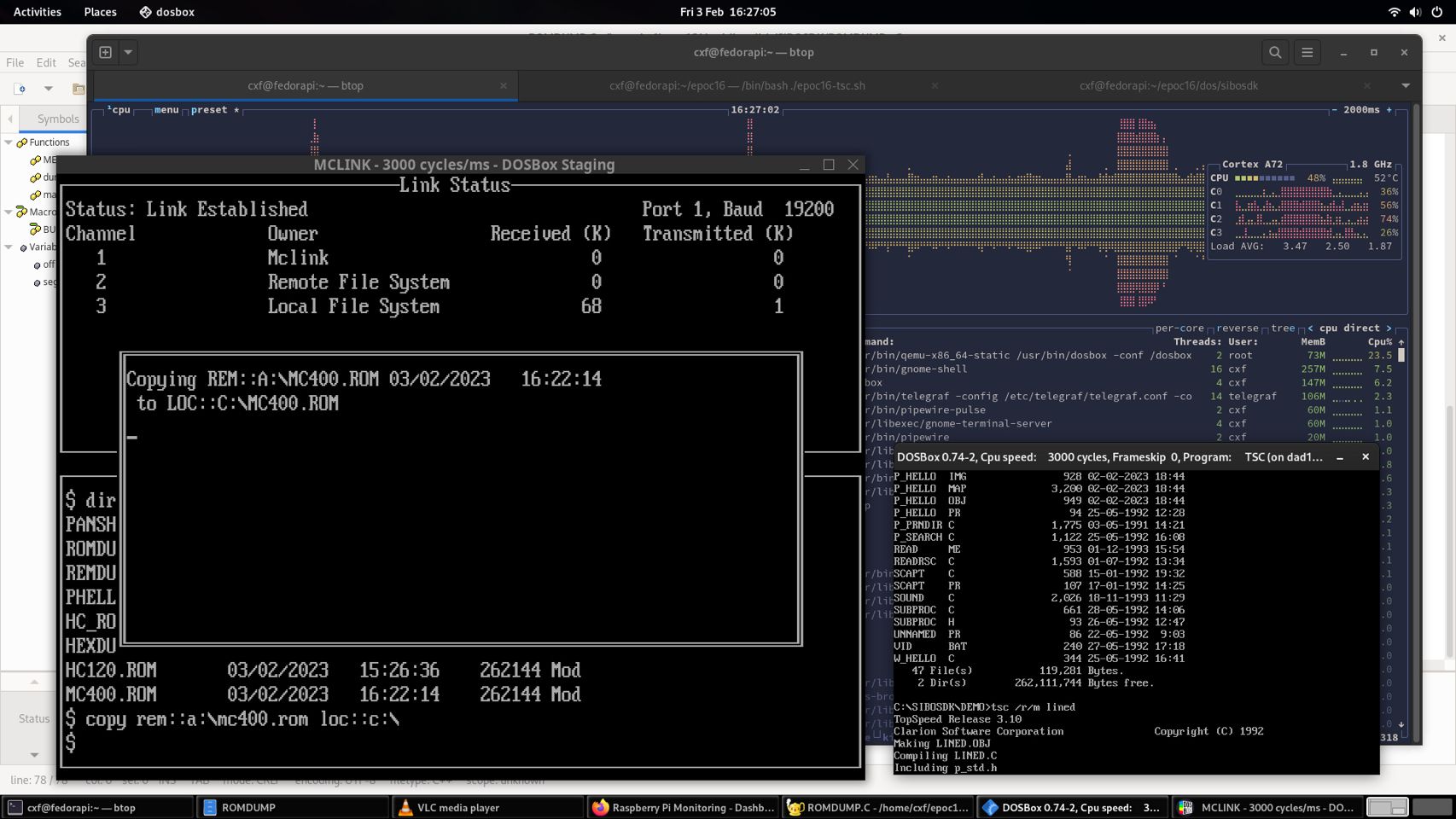
Later, even more favouriteness – Fedora/Raspberry Pi AND Psion Series 3a backups:
…backing up like it’s 1995 😀
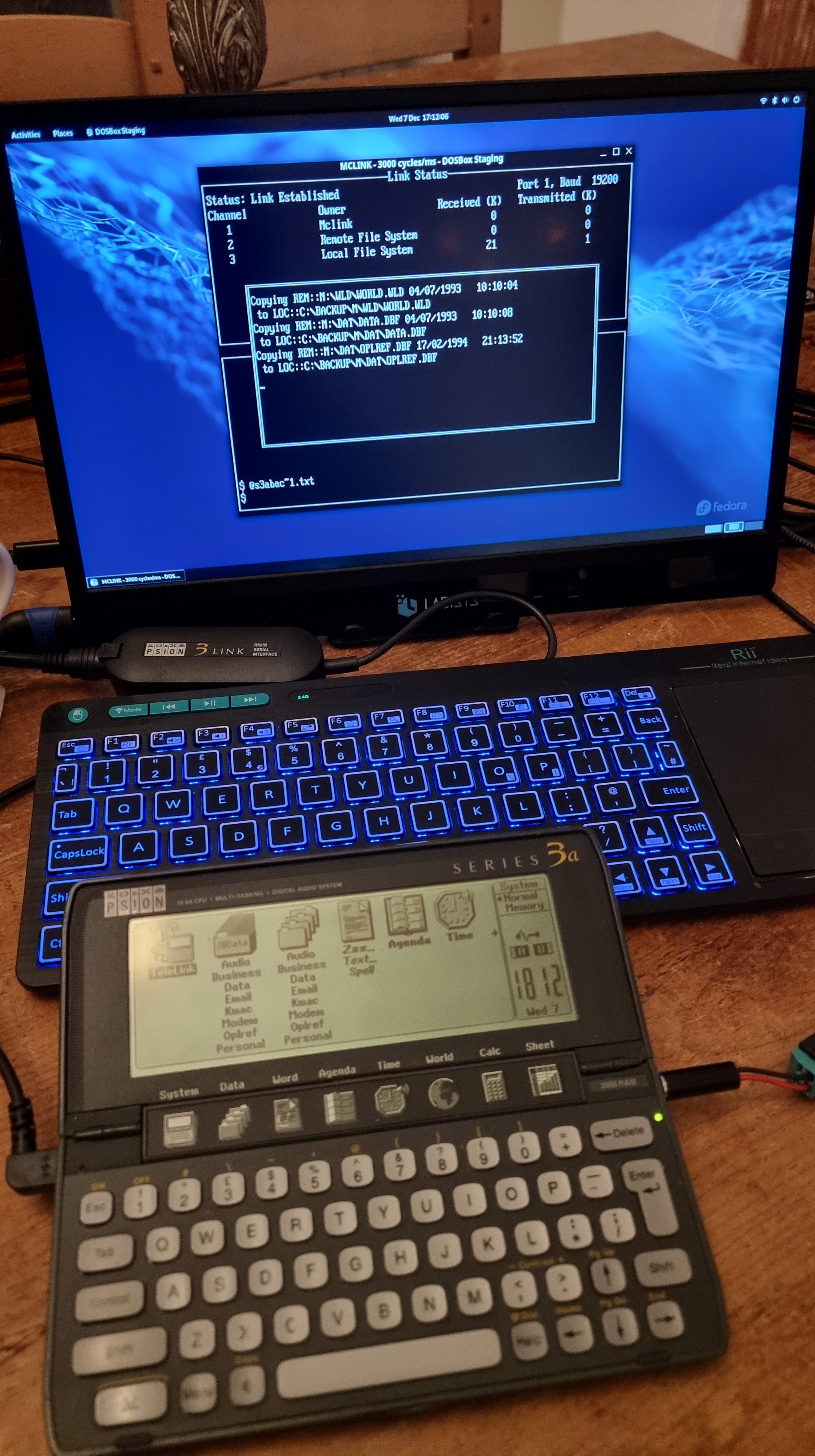

Backing up Psion Series3a 2M – drives A: M: and B: 👍🏻
Psion 3Link serial cable connected to Prolific pl2303 USB/RS232 adapter
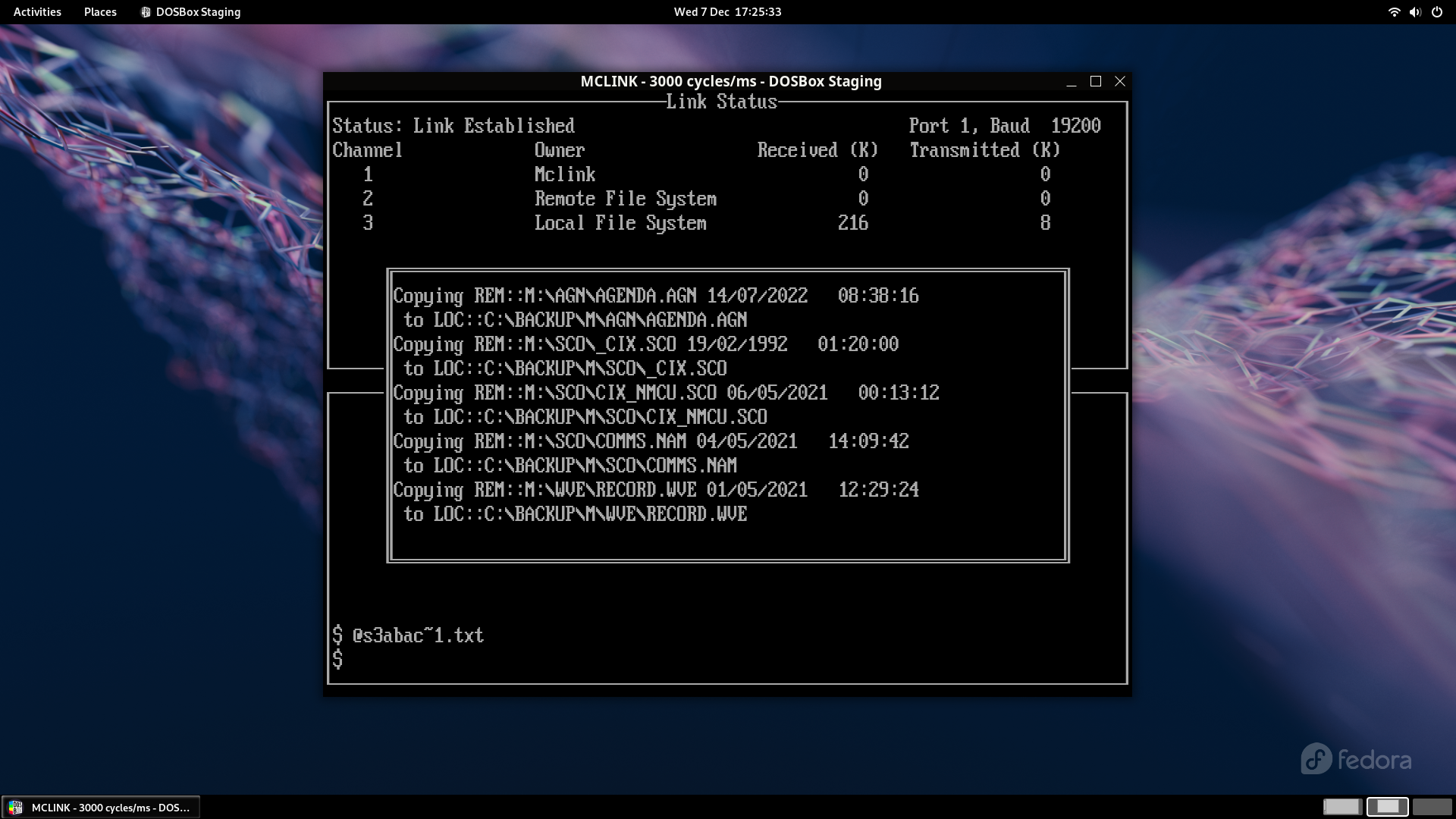
DOSBox Staging running PSION’s MCLINK.EXE
Fedora 37/Linux (kernel 6.0.11-300.fc37.aarch64) running on Raspberry Pi 4 8GB

 Room 7609
One thought on “Fedora 37, 38, 39, 40 & 41 on Raspberry Pi4”