
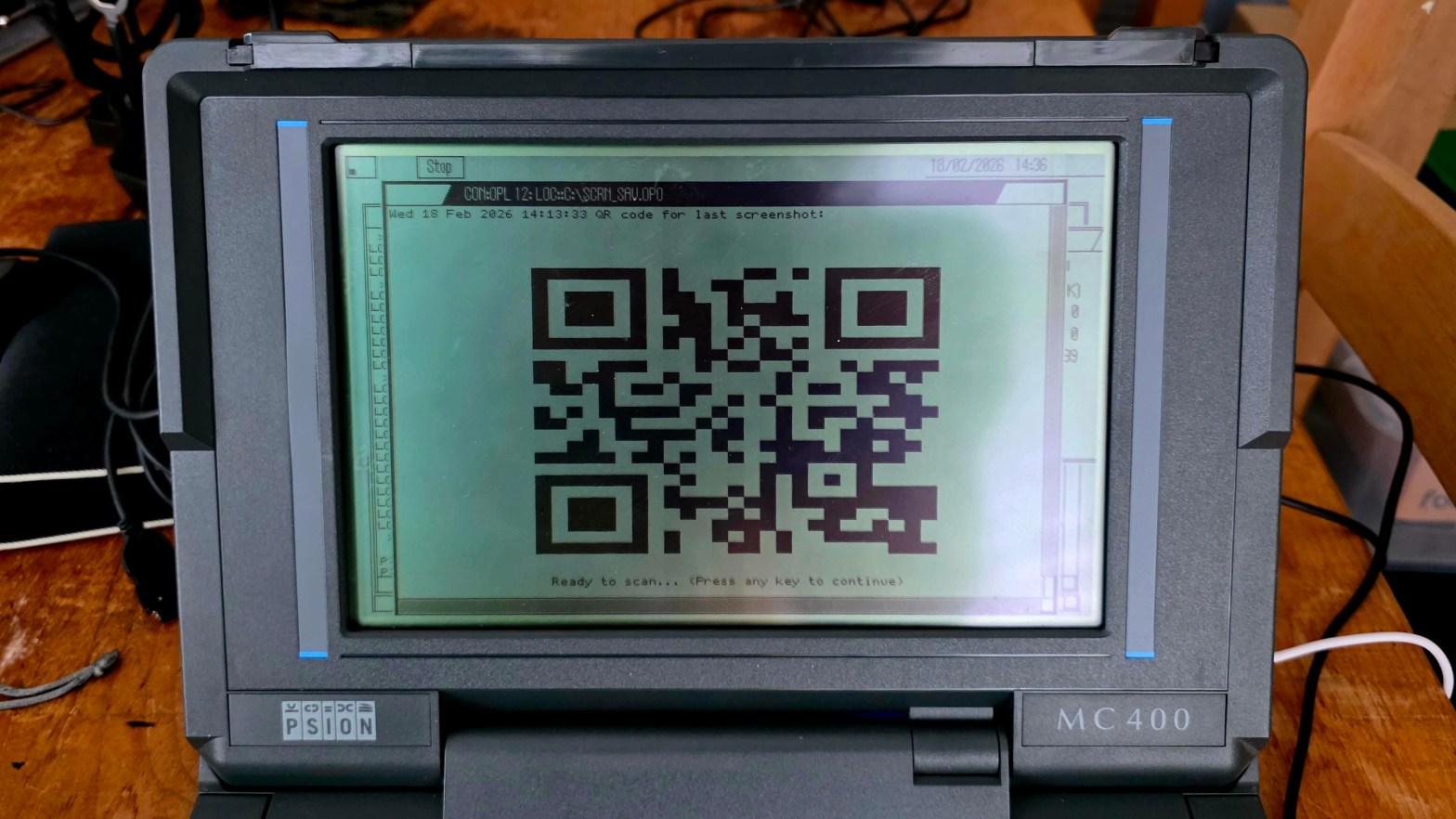
So the title really should be a bit longer: “QR codes on a laptop from 1989 with 256k RAM and no native graphics support” – but that doesn’t sound quite so snappy 😉
The laptop in question is my Psion MC400 – a marvel of engineering and industrial design, conceived in the mid-1980s and cursed by not having “PC compatibility”. Even though it had a multi-tasking GUI-based OS, touch pad and SSDs and would run for 40+ hours on a pack of AA batteries it was overpriced, unloved and had little software available for it. But for me it was love a first sight.
So back to 2026, or 2021 more precisely, when I first got the old lump of technology “connected to the internet” with the help of an attached Pi (of course). I created software on the MC400 to interface with the Pi that allowed it to send tweets (when twitter wasn’t a cesspit), send emails and I had it syncing screenshots to Google drive and producing a bitly shortened link to the image.
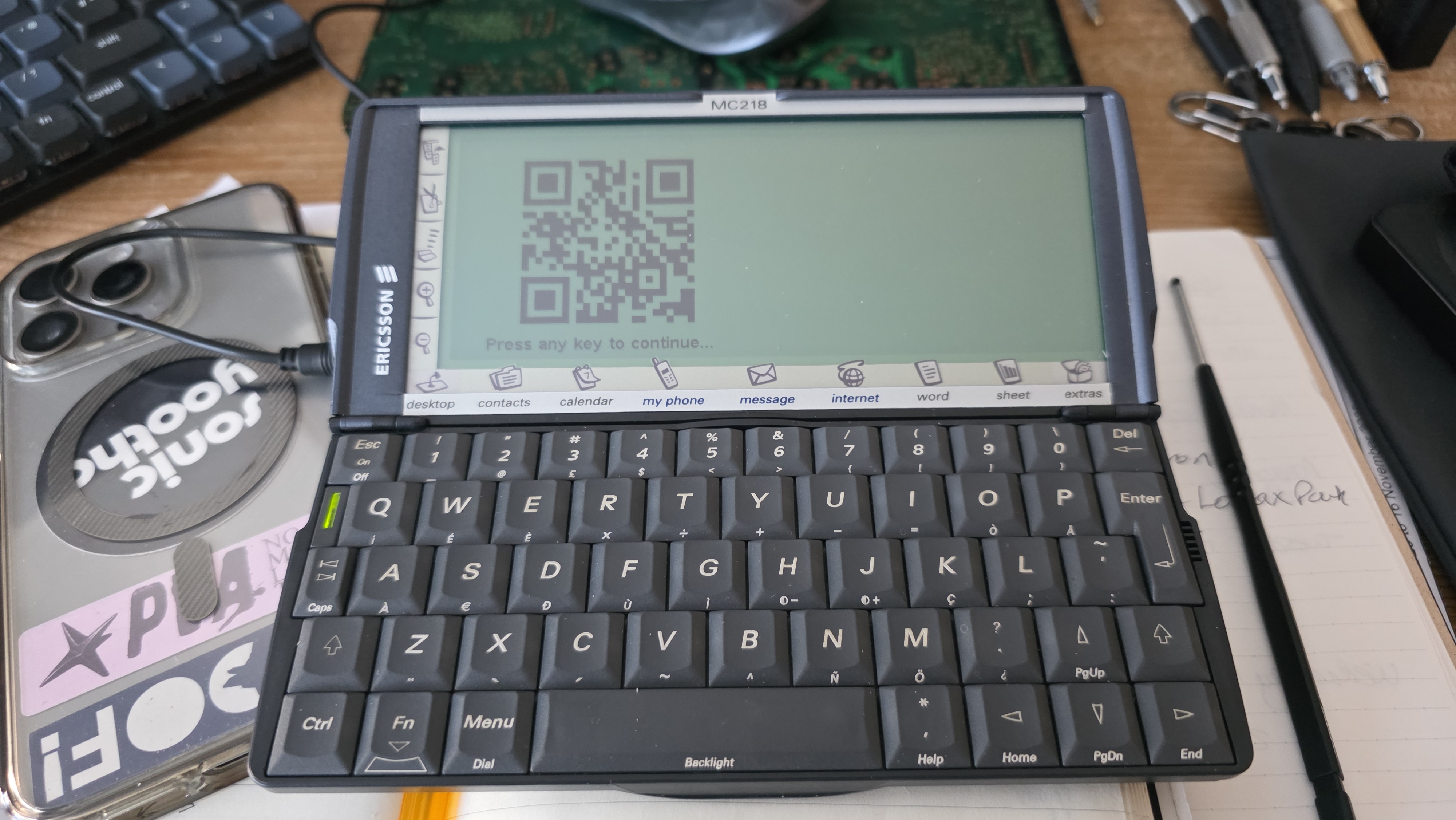
I recently read on some online forum somewhere some other retro-computer nerds talking about using QR codes as a way to retrieve info from old machines that weren’t easily networked and it got me thinking…
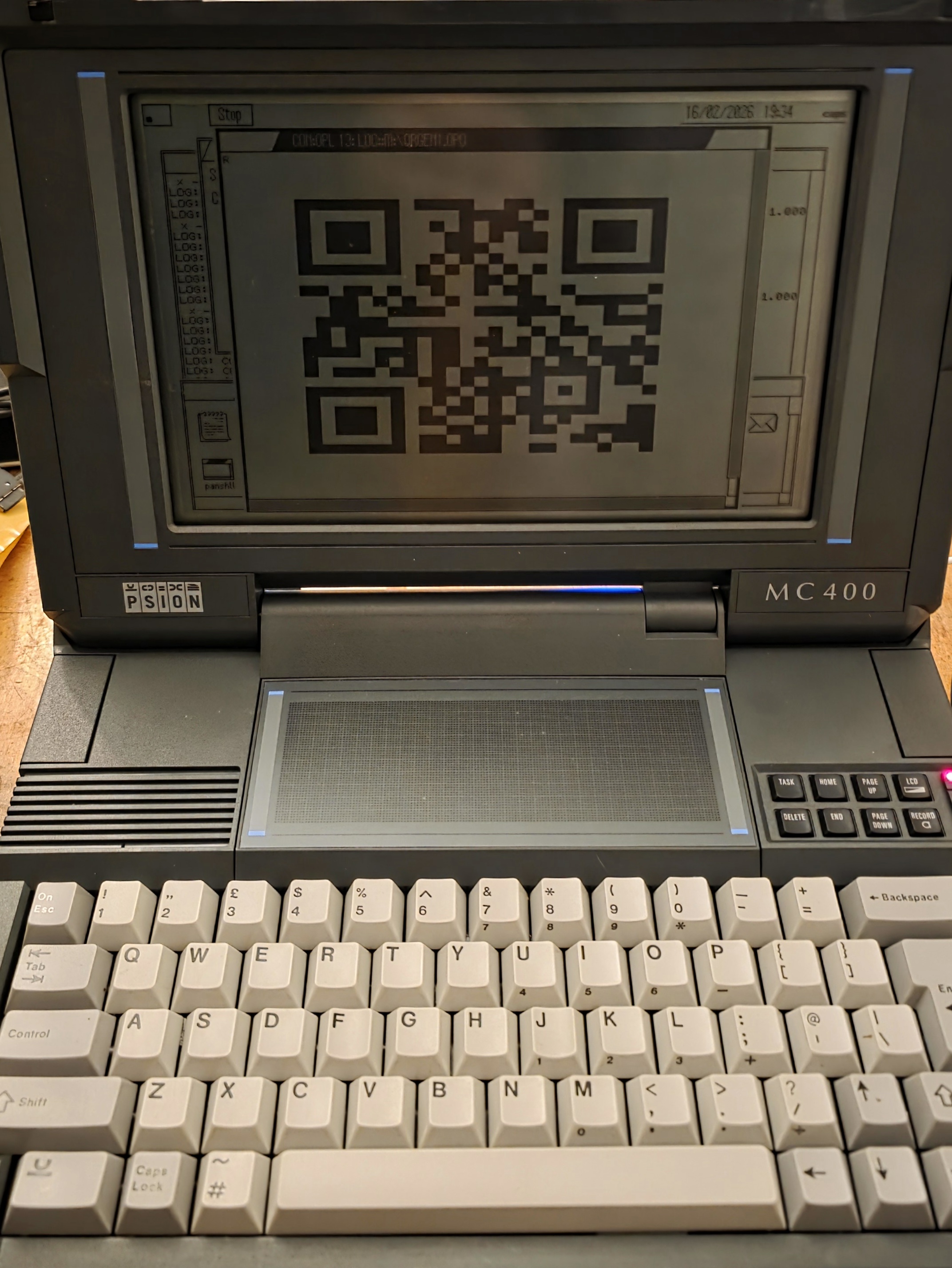
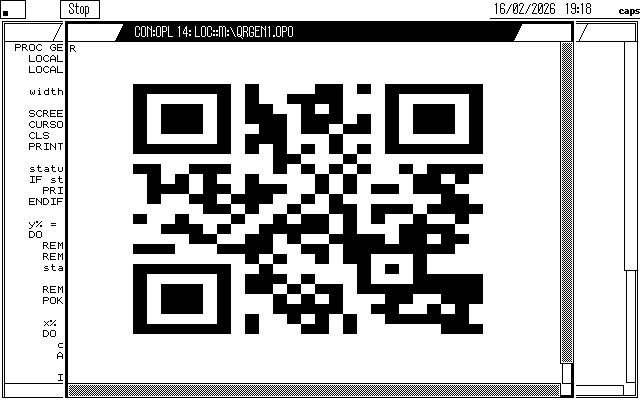
So, disclaimer: the MC400’s 7MHz 8086 CPU doesn’t have the muscle (not without some serious assembler genius) to generate the code (Reed-Solomon error correction and masking) so the actual QR code generation is done by standard python libraries on the Pi (of course, again) – it creates the code from the last bitly link to a screenshot, draws the matrix using the Psion’s “block character” (CHR$(219) or 0xDB) and whitespace and writes the matrix to a file as a single stream. This file is then copied to the MC which uses its built-in OPL to open the file, read the stream 1 row at a time and print to screen. Turned out not bad at all.
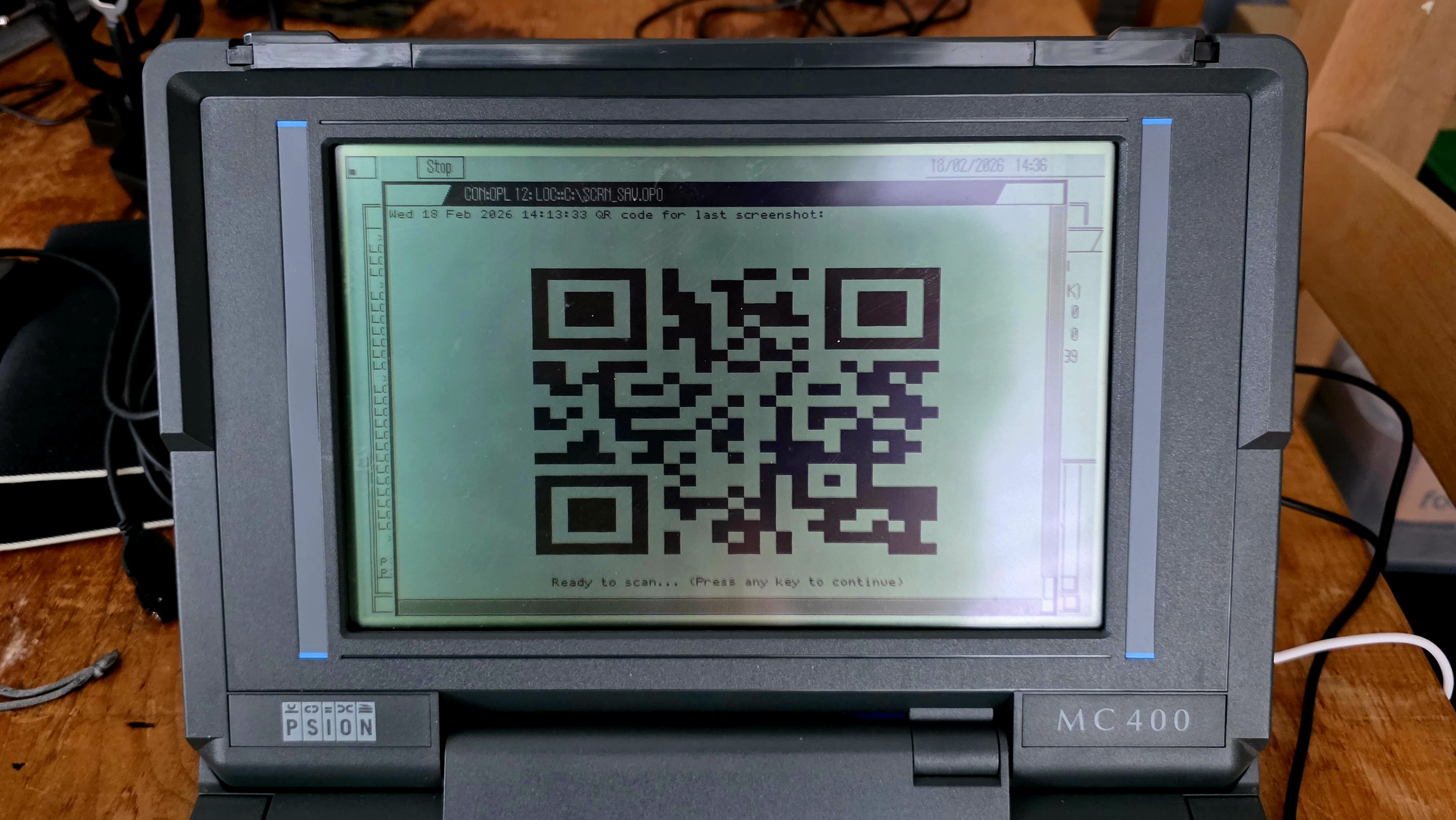
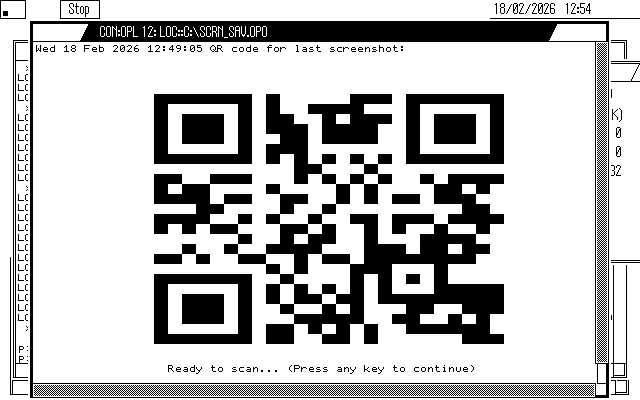
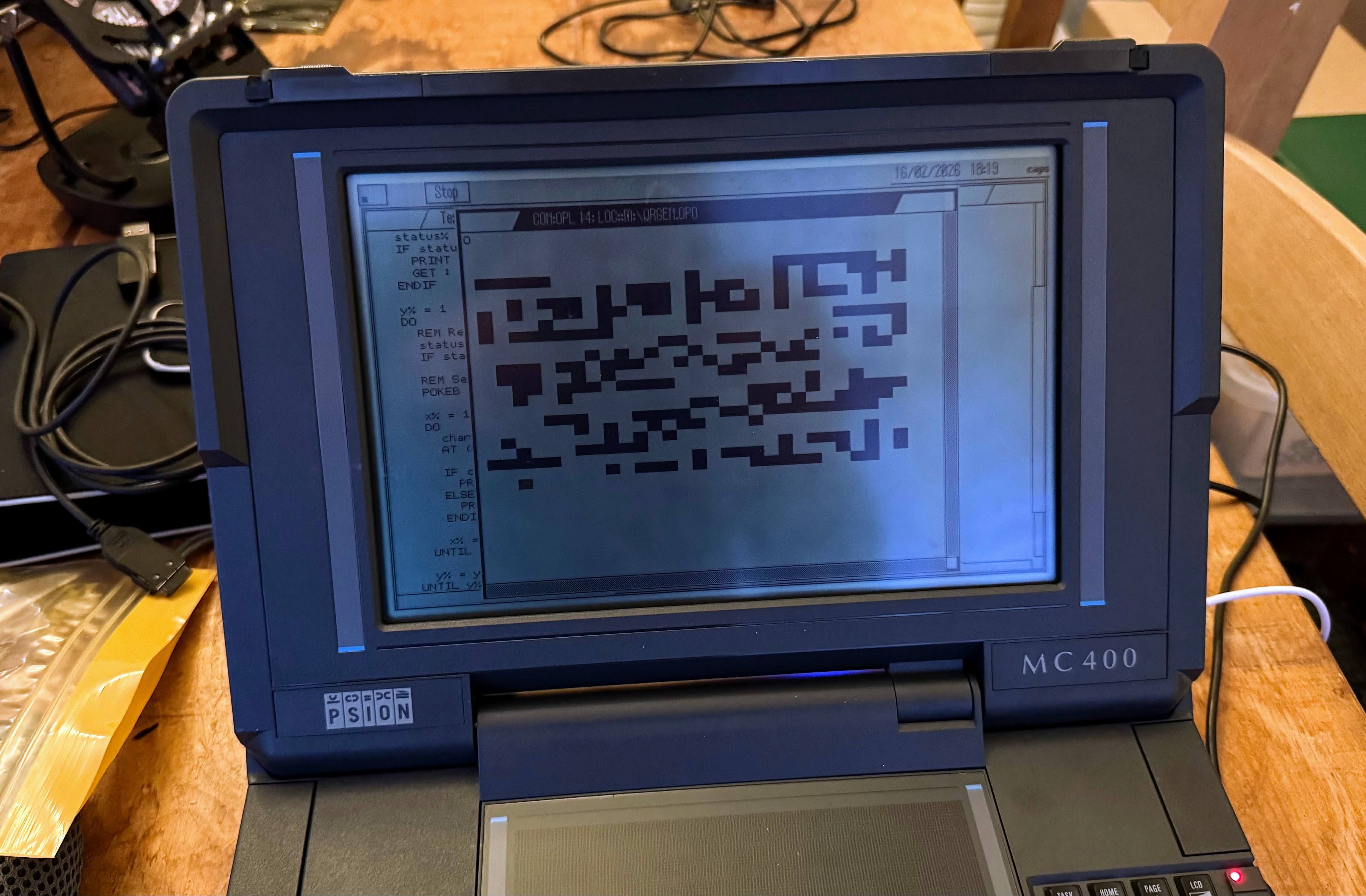
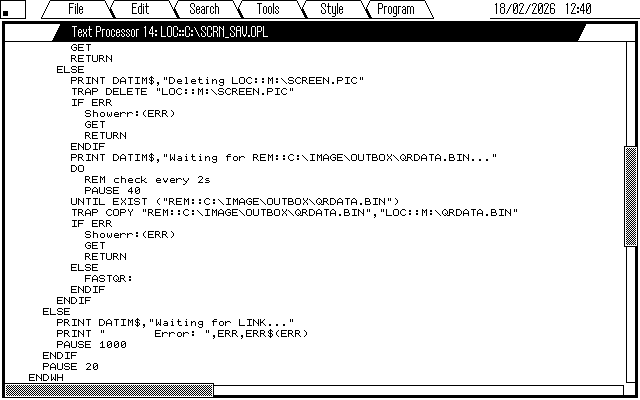
In all its glory – below is the OPL on the MC that detects a screenshot has been created (Ctrl-Psion-Shift-S on the Psion) then copies it to the Pi for conversion to PNG, syncing to Gdrive, then waits for QRDATA.BIN to be generated and opens/prints the QR data/code 😉
REMREM Move any LOC::M:\SCREEN.PIC screen dumpsREM to an attached computer for processingREMREM v0.0.01 21/09/2021 @zedstarrREM v0.0.02 18/02/2026 ADDED QR-CODE GENREMPROC Main: local l% SCREEN 80,35 WHILE 1 PRINT DATIM$,"Auto conversion to PNG & cloud sync of screenshots" PRINT DATIM$,"Waiting for LOC::M:\SCREEN.PIC..." DO REM check every 10s PAUSE 200 UNTIL EXIST("LOC::M:\SCREEN.PIC") PRINT DATIM$,"Found LOC::M:\SCREEN.PIC" REM Wait until dumping is truly finished PAUSE 100 REM If link not connected the re-check every minute ONERR borked:: l%=EXIST("REM::C:\MCLINK.EXE") borked:: ONERR OFF IF l% PRINT DATIM$,"Copying to REM::C:\IMAGE\INBOX\SCREEN.PIC" TRAP COPY "LOC::M:\SCREEN.PIC","REM::C:\IMAGE\INBOX\SCREEN.PIC" IF ERR Showerr:(ERR) GET RETURN ELSE PRINT DATIM$,"Deleting LOC::M:\SCREEN.PIC" TRAP DELETE "LOC::M:\SCREEN.PIC" IF ERR Showerr:(ERR) GET RETURN ENDIF PRINT DATIM$,"Waiting for REM::C:\IMAGE\OUTBOX\QRDATA.BIN..." DO REM check every 2s PAUSE 40 UNTIL EXIST ("REM::C:\IMAGE\OUTBOX\QRDATA.BIN") TRAP COPY "REM::C:\IMAGE\OUTBOX\QRDATA.BIN","LOC::M:\QRDATA.BIN" IF ERR Showerr:(ERR) GET RETURN ELSE FASTQR: ENDIF ENDIF ELSE PRINT DATIM$,"Waiting for LINK..." PRINT " Error: ",ERR,ERR$(ERR) PAUSE 1000 ENDIF PAUSE 20 ENDWHENDPPROC Showerr:(val%) PRINT "Error: ",val%,err$(val%) GETENDPPROC FASTQR: LOCAL h%, status%, line$(70), y% LOCAL width% REM 33 modules * 2 characters per module = 66 width% = 66 CURSOR OFF CLS status% = IOOPEN(h%, "LOC::M:\QRDATA.BIN", 0) IF status% < 0 : PRINT "File Error" : GET : RETURN : ENDIF PRINT DATIM$,"QR code for last screenshot:" y% = 1 DO REM Read the pre-formatted line (66 bytes) status% = IOREAD(h%, ADDR(line$) + 1, width%) IF status% < width% : BREAK : ENDIF REM Set the string length byte for OPL POKEB ADDR(line$), width% REM Move to row and print the whole string at once AT 10, y%+1 PRINT line$; y% = y% + 1 UNTIL y% > 29 REM Yes, that's 4 lines too short but it's whitespace/border anyway... IOCLOSE(h%) AT 20, 33 : PRINT "Ready to scan... (Press any key to continue)"; GET CLSENDP
 Room 7609